
Planning estimates
Use local driver records to support rough planning numbers.
Planning estimates
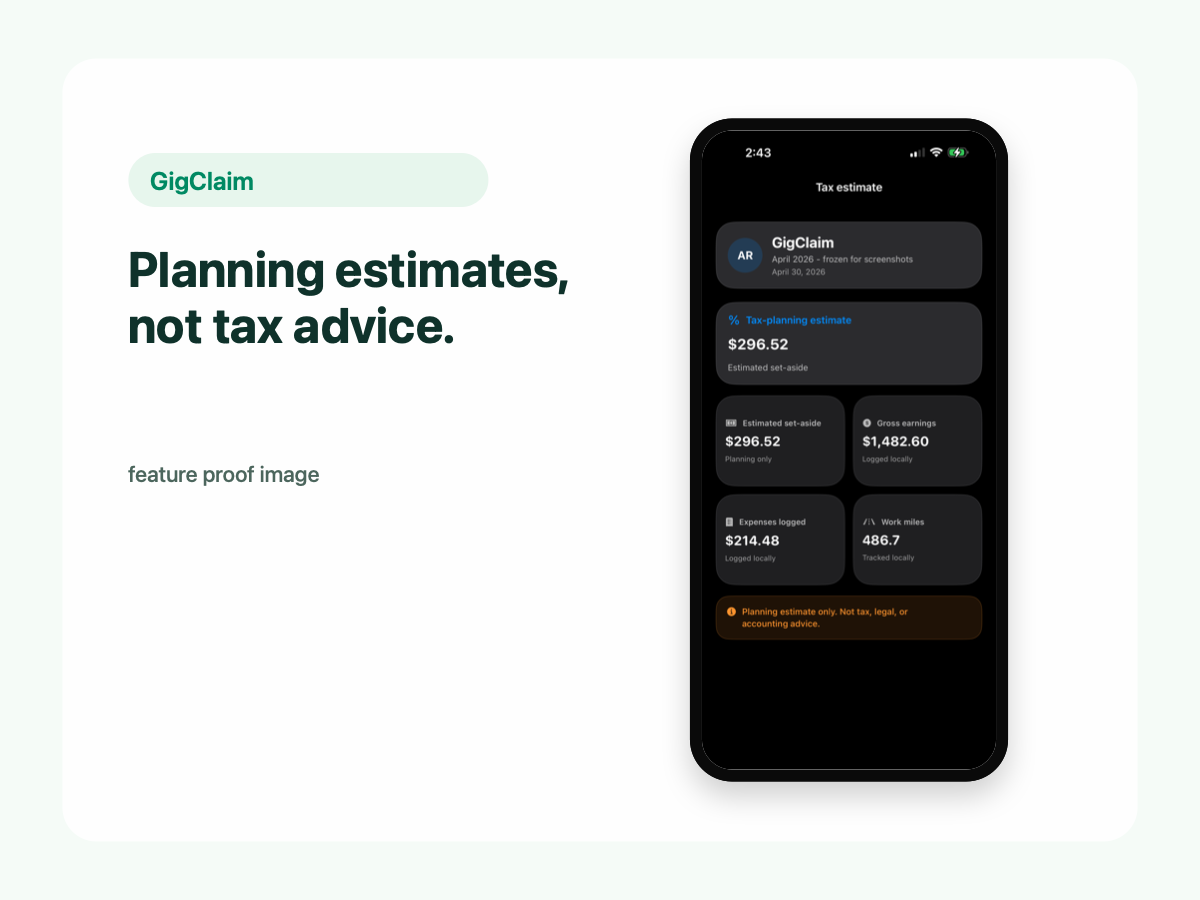
GigClaim helps drivers use local mileage, expense, and earnings records to estimate tax set-aside amounts for planning. These are planning estimates only, not tax advice.
Use local driver records to support rough planning numbers.
GigClaim does not provide tax, legal, or accounting advice and does not file taxes.
Set-aside basics
Gig drivers are often responsible for planning around taxes because rideshare and delivery work is commonly reported as independent contractor income. Set-aside estimates help drivers think about what to reserve from gig earnings.
Use planning estimates as a weekly checkpoint, not as a final tax answer.
Review estimates together with local mileage, expense, and earnings records.
Export records for your own review or for a tax-preparation workflow when you choose.
Estimates
Earnings records can help estimate how much income needs planning attention.
Expense records can be reviewed as part of a driver's planning workflow.
Mileage records can support review and export workflows for drivers and preparers.
GigClaim helps organize and estimate from records. It does not decide what you owe, file a return, provide tax advice, or guarantee any deduction or savings.
Limits
GigClaim does not prepare or file tax returns for drivers.
GigClaim does not provide tax, legal, or accounting advice.
GigClaim does not promise a specific deduction, tax result, or savings outcome.
Drivers should use qualified professionals for tax-specific questions.
Privacy
Tax-planning records can include earnings, expenses, driving patterns, and work schedule details. GigClaim is built so mileage, trip, expense, earnings, and tax-planning records stay on your phone.
Website forms, support requests, product update signups, App Store subscription systems, diagnostics, or analytics may be handled separately. The key distinction is that in-app driver records are designed to stay local.
Exports
GigClaim is designed for user-controlled exports. You keep records locally, review them, and export reports only when you decide they are ready for your own review or tax-preparation workflow.
Disclaimer
Next steps