
User-controlled export
Exports are created only when the driver chooses to create them.
Export reports
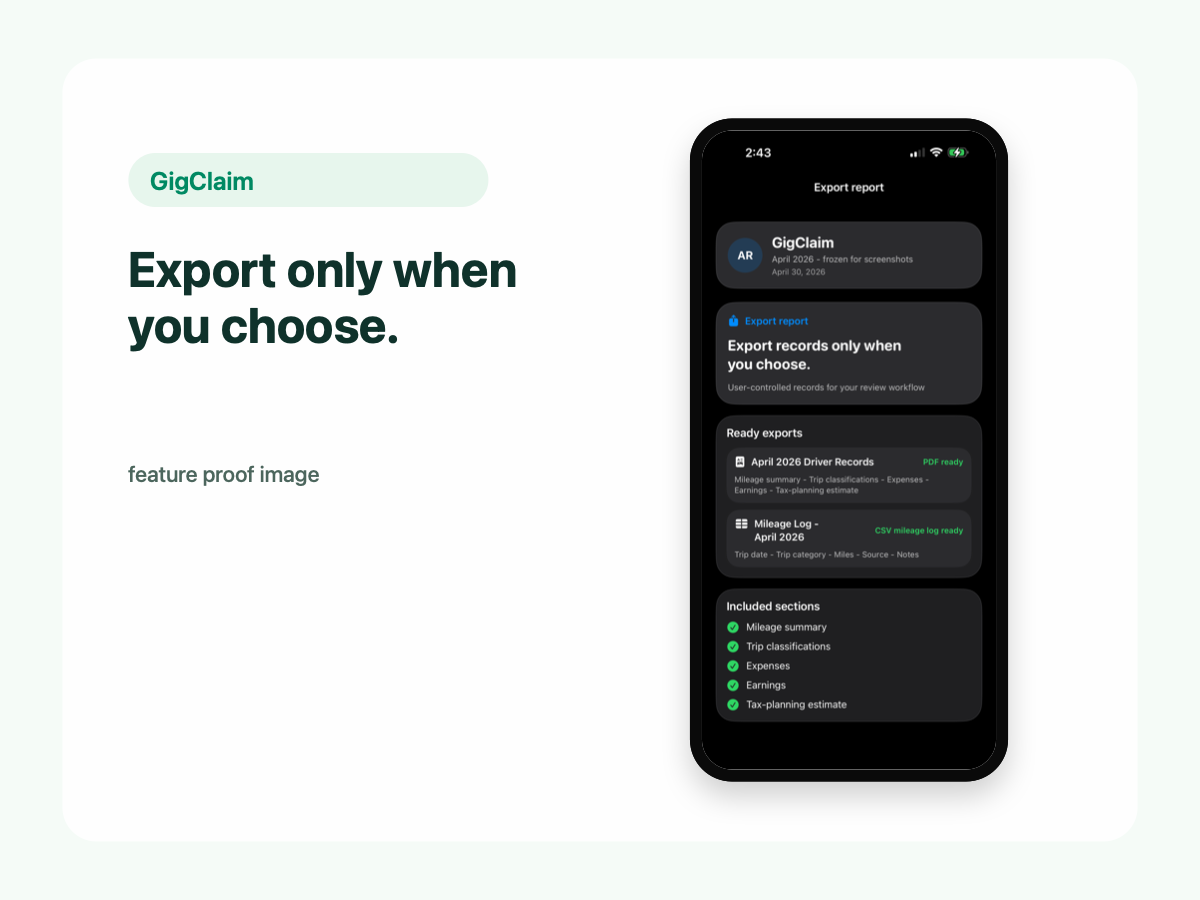
GigClaim helps drivers export mileage, expense, earnings, and tax-planning records when they choose. Your driver records stay on the phone until you decide to create a report.
Exports are created only when the driver chooses to create them.
Review records locally before sharing them with anyone else.
Why exports matter
Gig drivers need organized records for review, planning, and tax-preparation workflows. Exports should happen after the driver reviews records, not automatically before the driver is ready.
Review records weekly so exports are based on cleaner trip, expense, and earnings data.
Create reports for your own review or for a preparer when you choose.
Keep sensitive driver records local before creating a report.
Report contents
Trip dates, distances, classifications, confidence, and notes.
Expense logs organized for driver review and export workflows.
Gig earnings records that can be reviewed with miles and expenses.
Planning estimates and related records for your own review or tax-preparation workflow.
Control
GigClaim is designed so the driver controls when a report is created. You keep records locally, review them, and export only when you decide the records are ready.
Exporting is separate from ordinary local recordkeeping. The app should not require driver records to be uploaded to GigClaim servers just to review them.
Privacy
Mileage, trip, expense, earnings, and tax-planning records are designed to stay on your phone.
Website forms, support requests, product update signups, App Store subscriptions, diagnostics, or analytics may be handled separately.
Tax workflow
Exports can support your own review or a tax-preparation workflow. GigClaim helps with records and planning estimates; it does not prepare or file your taxes.
Next steps