
Records stay local
Log expenses and earnings without building a server-side copy of your driver records.
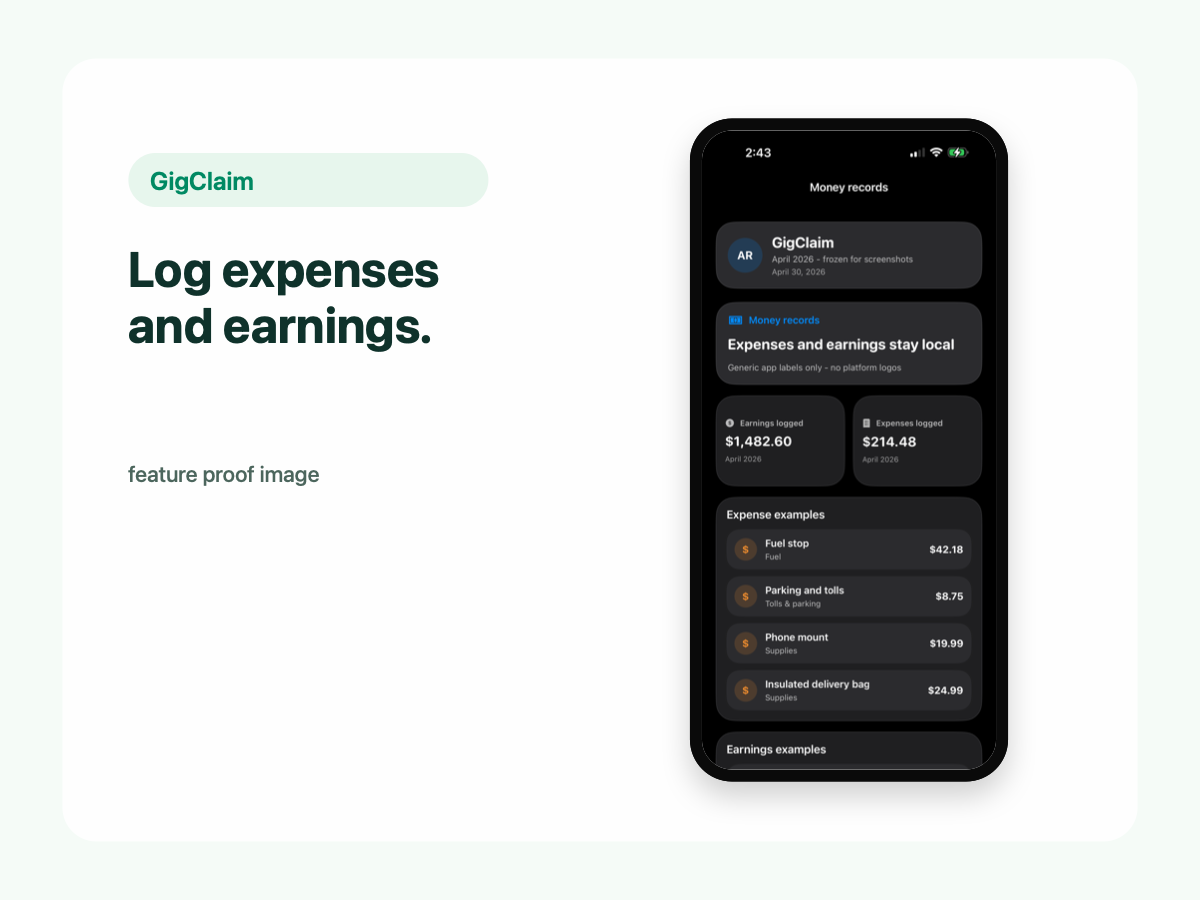
Expenses and earnings
GigClaim helps drivers keep gig expenses and earnings in one place, tied to a local-first recordkeeping workflow where driver records stay on the phone.
Log expenses and earnings without building a server-side copy of your driver records.
Review money records beside mileage and trip records before exporting.
Why it matters
Gig work can spread records across rideshare apps, delivery apps, receipts, bank statements, and memory. GigClaim gives drivers one local place to review those records before exporting anything.
Expense records can support your own review of what it costs to work.
Earnings logs help drivers understand work activity across platforms.
Mileage, expenses, earnings, and planning estimates can be reviewed together.
Expenses
Keep fuel or EV charging records together with the trips and work sessions they support.
Track maintenance, repairs, car washes, supplies, and other vehicle-related records.
Record tolls, parking, delivery supplies, phone mounts, and other gig-work expenses.
GigClaim helps organize records for review. It does not guarantee that any expense is deductible, and drivers should work with a qualified tax professional for tax-specific questions.
Earnings
Drivers often work across multiple apps. Earnings logs help keep those records in one place so you can review income alongside miles and expenses.
These logs are for recordkeeping and planning. GigClaim does not file taxes or provide tax, legal, or accounting advice.
Privacy
Expense and earnings logs are designed to stay on your phone.
Website forms, support requests, product update signups, App Store subscription systems, diagnostics, or analytics may be handled separately.
Exports
GigClaim is designed for user-controlled exports. You review local expense and earnings records, then export reports only when you decide they are ready for your own review or tax-preparation workflow.
Tax disclaimer
Next steps