
Records stay on the phone
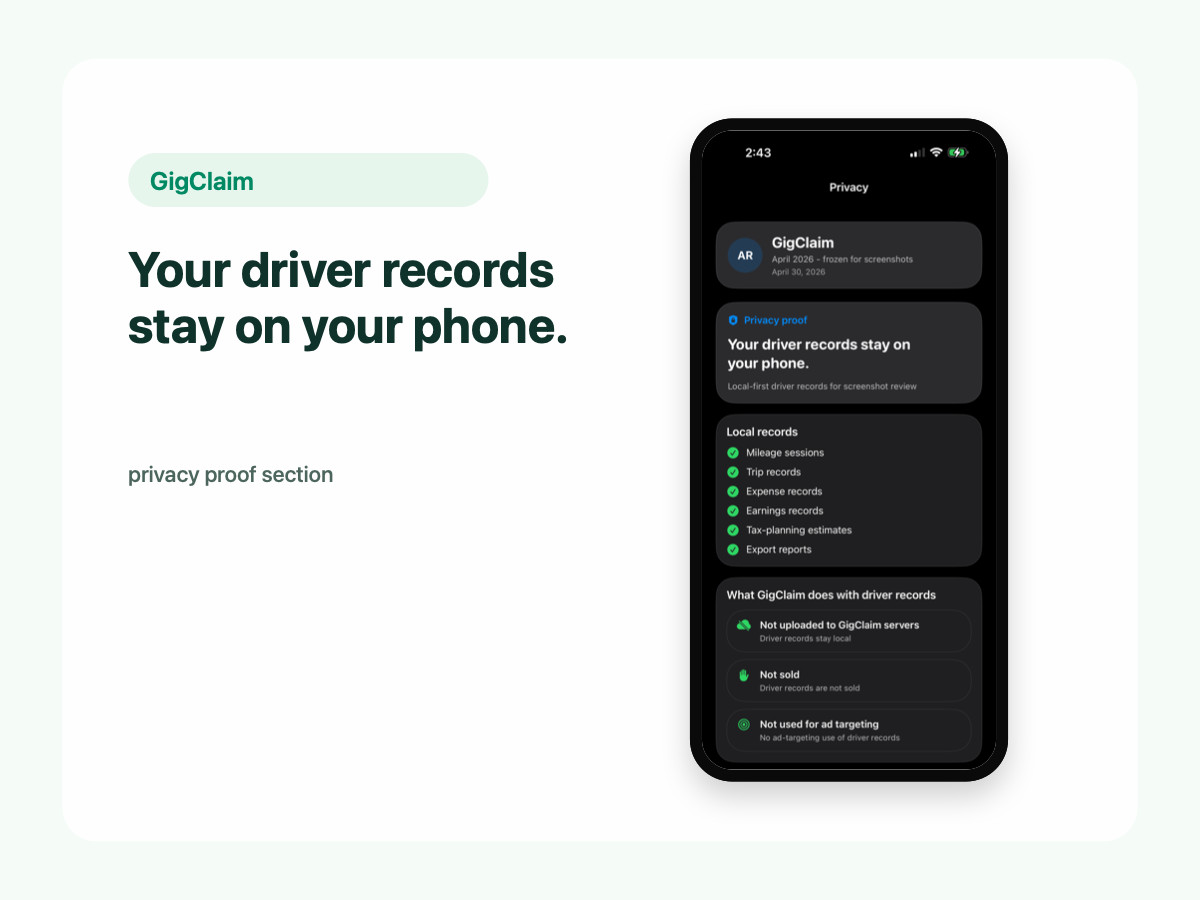
Mileage, trip, expense, earnings, and tax-planning records are designed to stay local.
Driver-owned records
Your mileage, trips, expenses, earnings, and tax-planning records are designed to stay on your phone. GigClaim does not upload those driver records to our servers, sell them, or use them for ads. You export records only when you choose.
Mileage, trip, expense, earnings, and tax-planning records are designed to stay local.
Create files for your own review or tax-preparation workflow only when you decide.
Short version
Your mileage, trips, expenses, earnings, and tax-planning records are designed to stay on your phone. GigClaim does not upload those driver records to our servers, sell them, or use them for ads. You export records only when you choose.
Local records
Driver controls
Separate surfaces
Some information may be handled separately when you choose to interact with GigClaim outside your local driver records, such as:
Boundaries
Location
GigClaim uses location permission to help track work miles while you drive. Your mileage and trip records are designed to stay on your phone unless you choose to export them.
FAQ
No. GigClaim is designed so mileage, trip, expense, earnings, and tax-planning records stay on your phone unless you choose to export or share them.
GigClaim does not sell your mileage, trip, expense, earnings, or tax-planning records.
No. GigClaim does not use your driver records for ad targeting.
Location permission helps GigClaim track work miles while you drive. Your mileage and trip records are designed to stay on your phone unless you choose to export them.
GigClaim may receive information you choose to submit through website forms, product update signups, support requests, and Apple subscription systems. The website uses Google Analytics, and optional diagnostics, crash reports, or analytics may be handled separately if enabled.
Yes. You can export records when you choose for your own review or tax-preparation workflow.
Yes. GigClaim includes local data controls for deleting or resetting records on the device.
More detail
Track work miles, review trips, log money, estimate tax set-aside, and export records only when you choose.