
Start Work
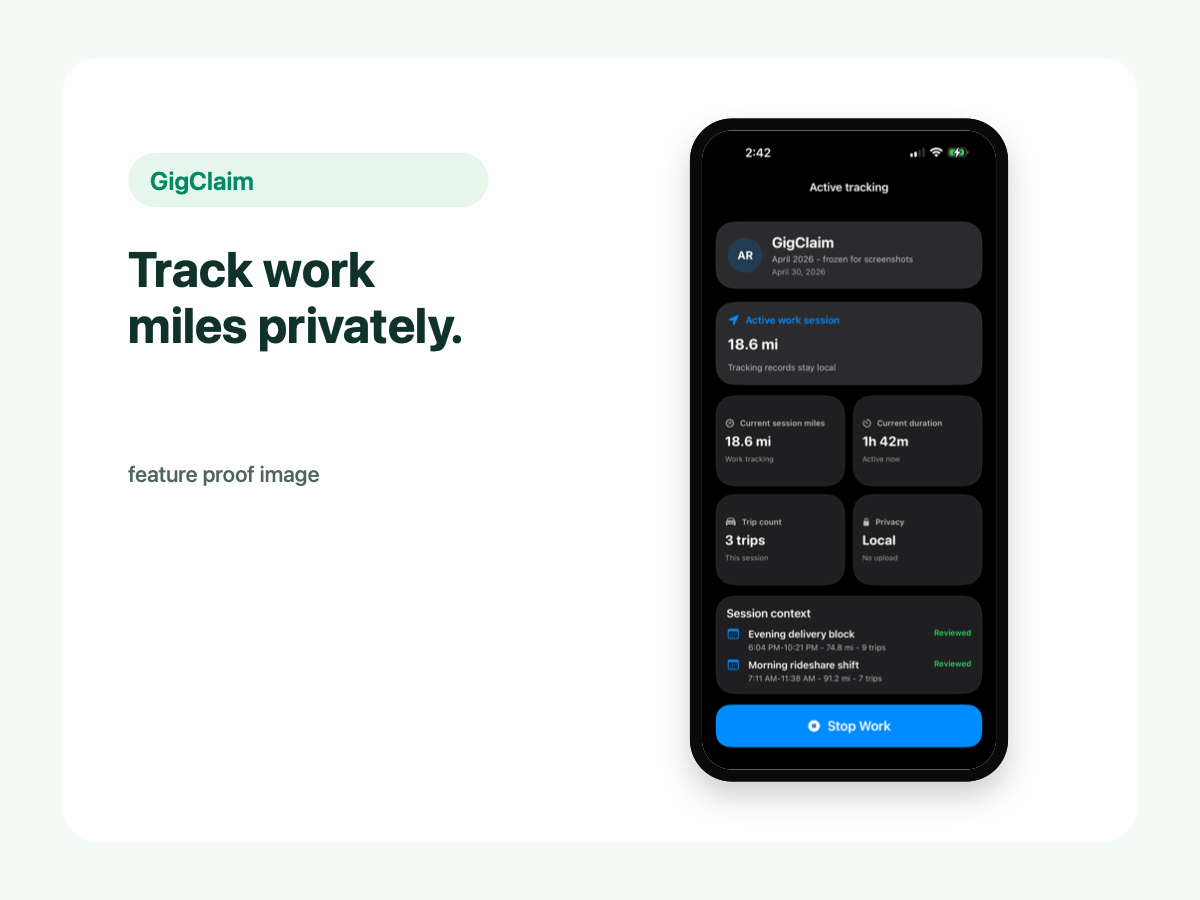
Start tracking when work begins and stop when work ends.
Mileage tracking
GigClaim helps rideshare and delivery drivers track work miles, review trips, classify records, add missed trips, and export mileage reports while keeping driver records on your phone.
Start tracking when work begins and stop when work ends.
Mileage and trip records are designed to stay local to your phone.
Why it matters
Mileage can be one of a driver's most important records, but it is also sensitive because it reflects routes, work hours, and personal movement.
Work miles can support your own review and tax-preparation workflow.
Trip records can include timestamps, distance, classification, confidence, and notes.
Keeping records on the phone helps reduce unnecessary copies of sensitive driver activity.
Tracking
GigClaim is built around the driver workflow: start a work session when you begin driving for rideshare or delivery, then stop when the work session ends.
The app focuses on creating useful records for later review without turning those driver records into server-side profiles.
Review
Review a captured trip before relying on it in a report.
Classify trips as work, commute, or personal based on your own review.
Keep weaker tracking results reviewable instead of treating every trip as perfect.
Missed records
A mileage tracker should support real-world driving, including the moments when a trip was not captured. GigClaim lets drivers add a missed trip so the record can still be reviewed and included in exports when appropriate.
Missed trip entry is recordkeeping support, not a guarantee that any specific trip is deductible.
Privacy
Mileage and trip records are designed to stay on your phone.
You decide when to create a report for your own review or tax-preparation workflow.
Website forms, support requests, product update signups, App Store subscription systems, diagnostics, or analytics may be handled separately. The key distinction is that in-app mileage and trip records are designed to stay local.
Exports
GigClaim is designed for user-controlled exports. You review local mileage records first, then export a report only when you decide it is ready.
Tax disclaimer
FAQ
GigClaim is designed so mileage and trip records stay on your phone unless you choose to export them.
Yes. GigClaim supports missed trip entry so a driver can add a work drive that was not captured.
Yes. Exports are user-controlled, so you create mileage reports only when you choose.
Next steps