
Mileage records
Track work miles, review trips, and keep records inspectable before export.
Local-first mileage tracking
Local-first mileage tracking means the records you review most often are designed around your phone first: work miles, trips, expenses, earnings, planning estimates, notes, and exports you control.
Last reviewed: June 15, 2026
Track work miles, review trips, and keep records inspectable before export.
Mileage, trip, expense, earnings, and tax-planning records are designed to stay on your phone.
Export records only when you choose.
Inside GigClaim
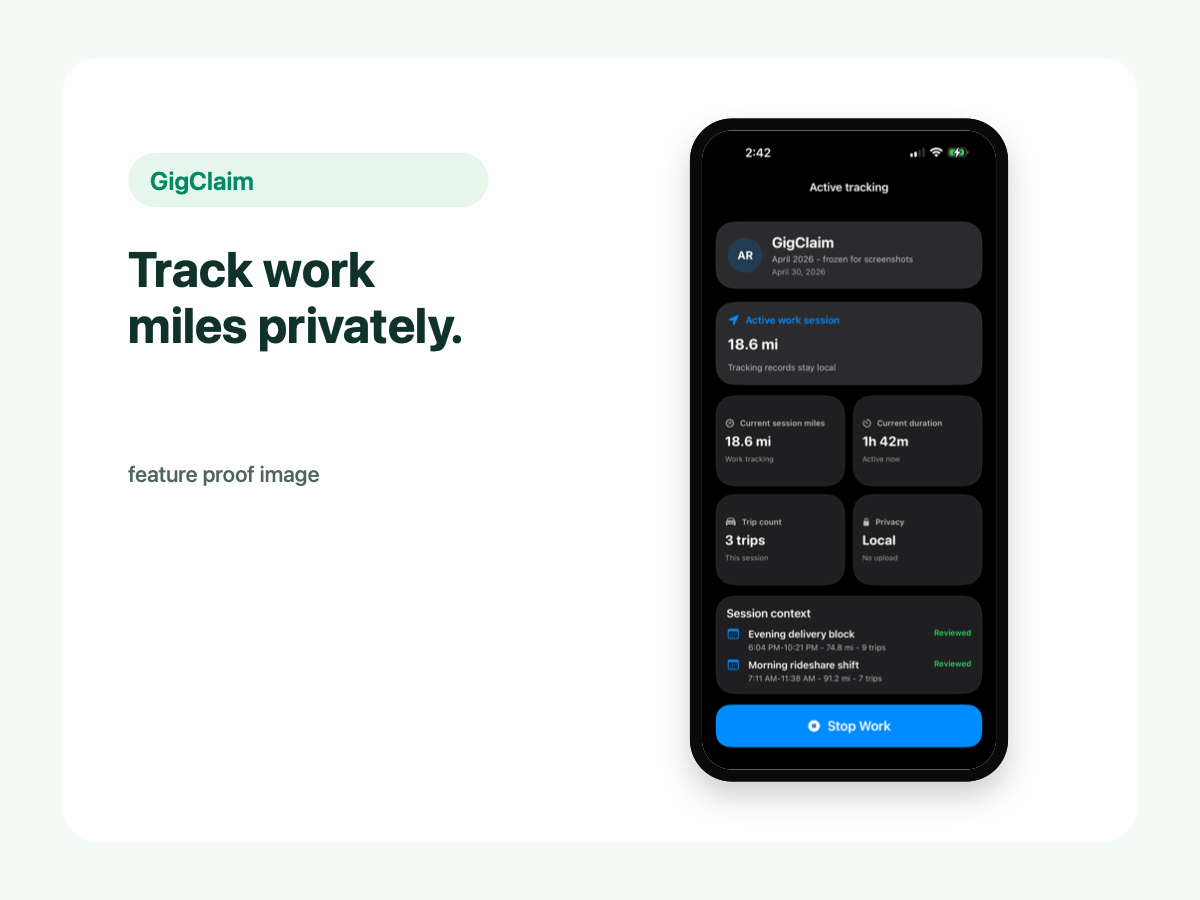
GigClaim is built around reviewable records: track the work session, inspect trips, add missed entries or notes when needed, then export only after the record makes sense.
That workflow is useful for busy delivery and rideshare days where personal errands, weak GPS, parking, tolls, or route changes can make a raw mileage total hard to trust without review.
Quick answer
Driver scenarios
Use these examples as review prompts, not tax conclusions. Your facts still matter.
Local-first records let you inspect work sessions, trip classifications, money records, and notes before creating a file for someone else.
GigClaim's driver-record workflow does not depend on gig-platform sync or bank connections.
Export and backup files can be useful, but they should be protected once they leave your phone.
Meaning
For GigClaim, local-first means the in-app driver-record workflow is built around records stored and reviewed on your device instead of making a cloud account the center of the product.
That matters because mileage, trips, expenses, earnings, notes, and planning estimates can reveal sensitive work patterns.
Boundaries
Local-first is not a promise that every related system is local. Apple handles App Store downloads, subscriptions, purchases, renewals, cancellation, refunds where available, and restore flows.
Website forms, support requests, diagnostics, app analytics, and website analytics may also be handled separately from the in-app driver records.
Use cases
A local-first mileage tracker can be a good fit when you want a practical recordkeeping workflow without gig-platform syncing, bank connections, or a cloud account as the main driver-record system.
GigClaim provides planning estimates and recordkeeping tools, not tax, legal, or accounting advice. Users should review trips before relying on them.
Review checklist
Understand which driver records are designed to stay on the phone and which website/App Store systems are separate.
Check classifications, weak GPS, missed trips, expenses, earnings, and notes while details are fresh.
Create exports only for a clear review, backup, or sharing purpose.
Common mistakes
Local-first protects the in-app record workflow, but related systems like support, App Store billing, diagnostics, and analytics may be separate.
Local storage does not make every trip correct. Review GPS quality, classifications, and missed entries.
Know why you are exporting and who will receive the file before sharing sensitive driver records.
GigClaim helps organize records and planning estimates, not tax, legal, or accounting advice.
Boundaries
FAQ
No. Local-first describes GigClaim's in-app driver-record design. App Store systems, support, website forms, diagnostics, app analytics, and website analytics may be handled separately.
Driver records can reveal work locations, schedules, earnings patterns, expenses, and platform workflows. Keeping those records local until export gives the driver more control.
No. GigClaim helps organize records and planning estimates, but it does not provide tax, legal, or accounting advice and does not file taxes.
Related pages