
Mileage records
Track work miles, review trips, and keep records inspectable before export.
Mileage log guide
Gig drivers need mileage records that can be reviewed later. A good log captures the work session, shows what needs review, and keeps tax decisions separate from recordkeeping.
Last reviewed: June 15, 2026
Track work miles, review trips, and keep records inspectable before export.
Mileage, trip, expense, earnings, and tax-planning records are designed to stay on your phone.
Export records only when you choose.
Inside GigClaim
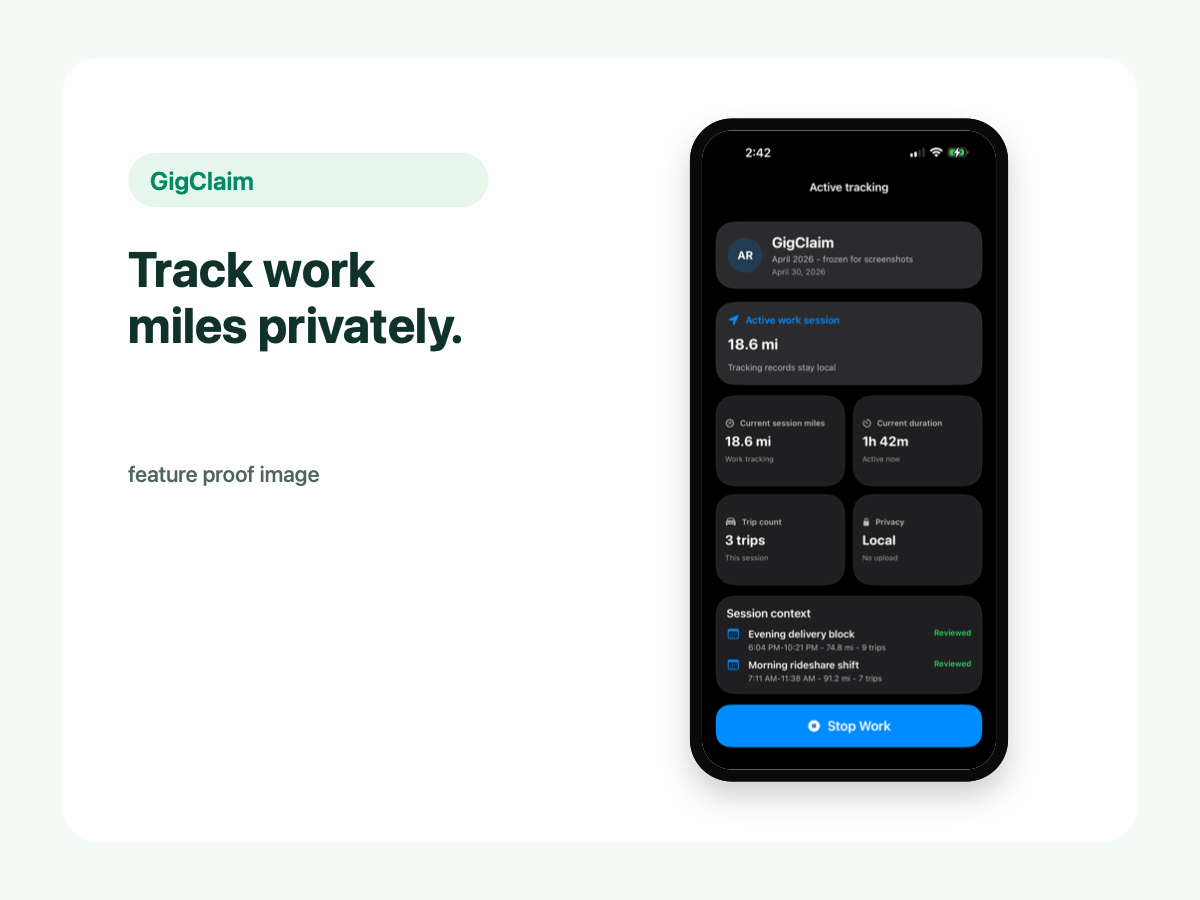
GigClaim is built around reviewable records: track the work session, inspect trips, add missed entries or notes when needed, then export only after the record makes sense.
That workflow is useful for busy delivery and rideshare days where personal errands, weak GPS, parking, tolls, or route changes can make a raw mileage total hard to trust without review.
Quick answer
Driver scenarios
Use these examples as review prompts, not tax conclusions. Your facts still matter.
If you accept orders, run a personal errand, then resume work, review the sequence instead of relying on one raw total.
A missing or weak segment should stay visible with a note or missed-trip entry.
A ten-minute weekly check can catch first trips, last trips, gaps, and manual entries before memory fades.
Core fields
A mileage log should help you explain what happened during a work period. It should not hide uncertainty or turn every captured mile into a tax conclusion.
Use dates, distances, classifications, notes, and review status to make records easier to inspect before export.
Weekly review
Weekly review is easier than reconstructing a year of driving later. Check trips while you still remember which drives were work, commute, personal, or review-needed.
Look closely at the first and last trips of a work session, long gaps, mixed personal errands, and any manually added records.
Tax boundary
A mileage log can help organize facts for tax-preparation workflows. It cannot tell you which trips qualify, calculate final tax outcomes, or replace professional advice.
GigClaim provides planning estimates and recordkeeping tools. It does not provide tax, legal, or accounting advice and does not file taxes.
Review checklist
Check date, distance, classification, review status, and notes for each record.
Review first trips, last trips, long gaps, mixed personal errands, and manually added records.
Compare mileage with expenses and earnings you chose to log before exporting.
Common mistakes
Trying to rebuild a year of work drives later is harder than reviewing one week at a time.
Manual records are easier to trust when they explain why they exist and what information was used.
Work, commute, personal, and review-needed trips should remain separate until reviewed.
GPS can be affected by device settings, permissions, battery saver, signal quality, and app interruptions.
Boundaries
FAQ
Useful records can include work-session dates, trip distances, classifications, missed-trip entries, notes, expenses, earnings, and exports created after review.
No. A mileage log can help organize records, but GigClaim does not guarantee deductions, tax savings, refund amounts, or outcomes.
GigClaim is a recordkeeping and planning app for driver records. It does not file taxes and is not tax, legal, or accounting advice.
Related pages